Advertisement
Click to download now, finish the installation quickly, and directly unlock the all-round experience
Advertisement
Screenshots
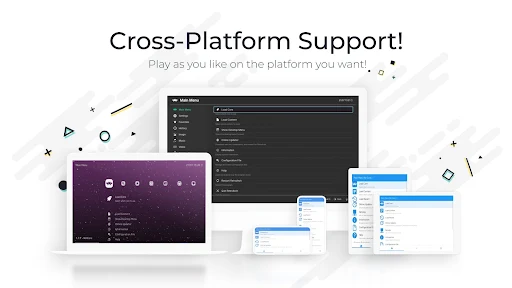
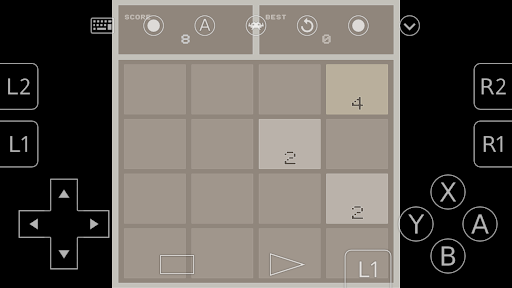
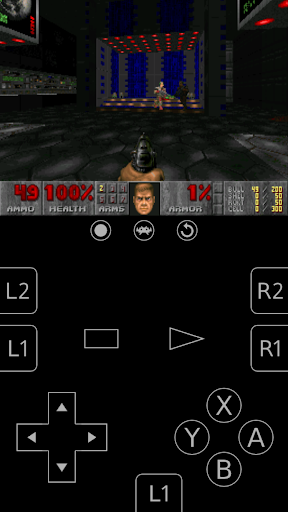
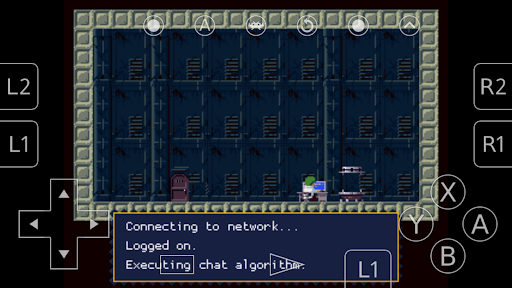
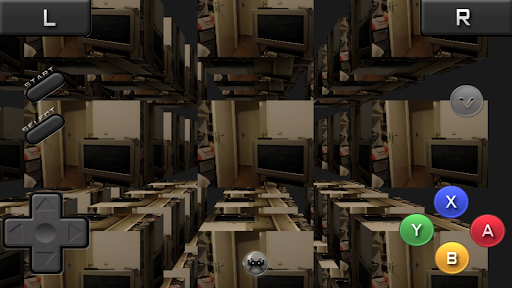
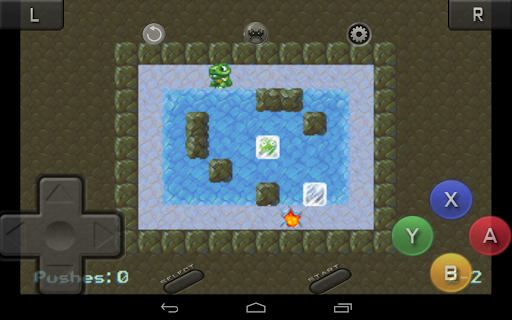
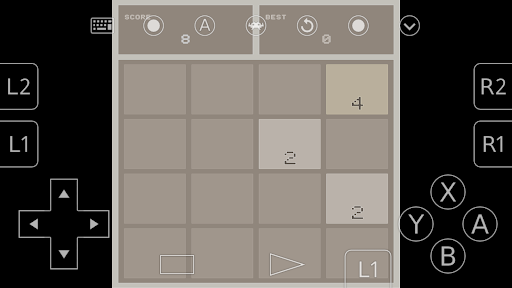
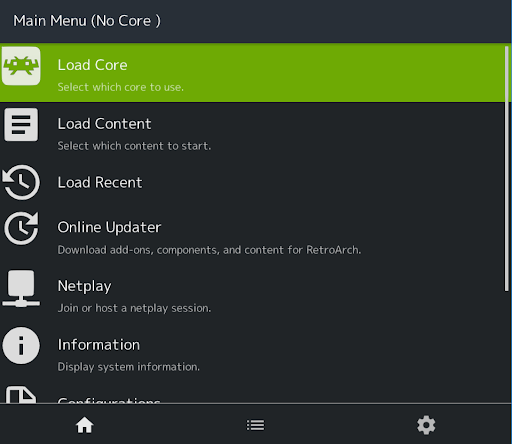
Click to download now, finish the installation quickly, and directly unlock the all-round experience
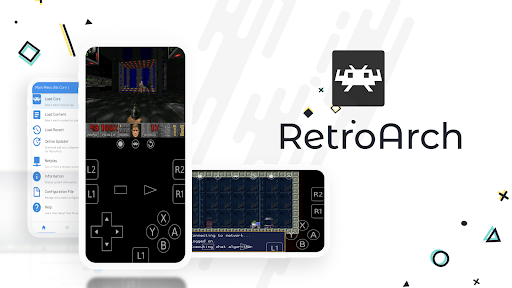
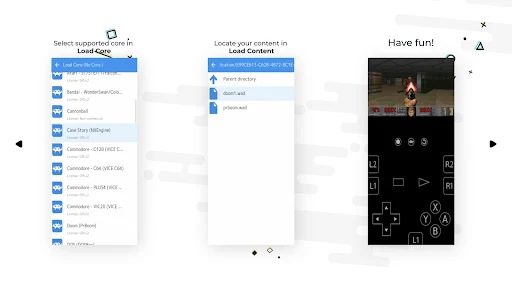
RetroArch brings emulator cores and game collections together in one Android app. It suits people who already have game files and want a shared place to organise them, choose a system and play. It is a toolkit rather than a single game, so getting started takes more setup than opening a typical mobile game.
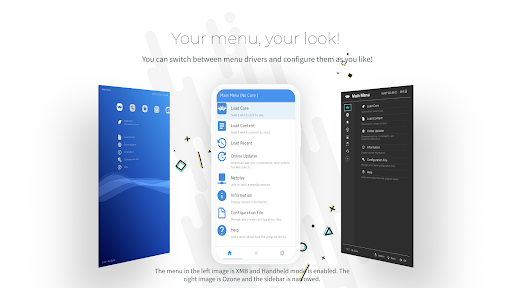
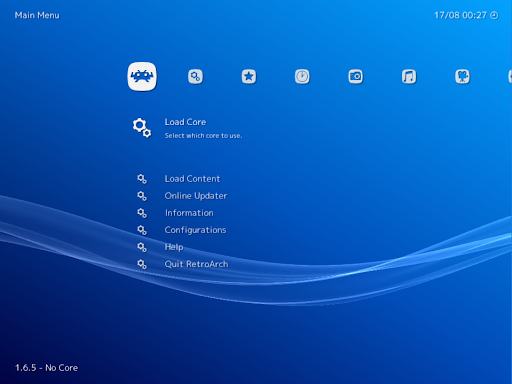
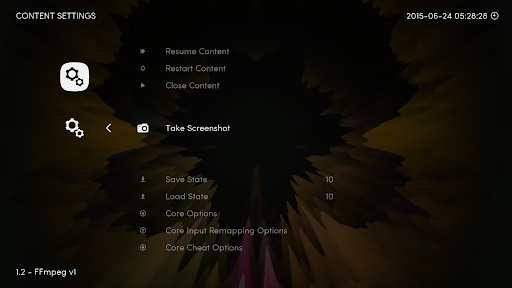
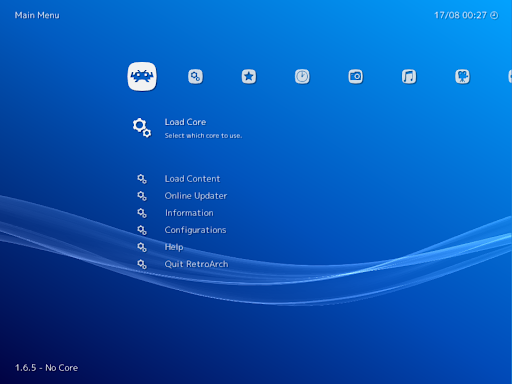
You can scan files or folders to build collections, then browse the games you have added. RetroArch includes tools for remapping controls, using cheats, taking screenshots and saving game states. NetPlay is available for multiplayer sessions. The interface offers several menu styles, and the app supports multiple languages.
This Android edition supports up to 50 cores and does not include a Core Downloader. That limit matters if you want to use a broad range of systems. RetroArch is open source and has no ads, according to its published feature details. It is made by Libretro, the project behind the software framework the app uses.
RetroArch is most useful if you enjoy adjusting settings and keeping a varied retro library in order; it may feel like more app than you need if you only want to play one game. Its 3.8-star rating from 47,774 reviews and 5,000,000+ installs suggest a large audience, though the rating also reflects that this is a flexible tool with a learning curve. For regular retro gaming, having collections, controls and save states in one place can make it worth keeping.