Advertisement
Click to download now, finish the installation quickly, and directly unlock the all-round experience
Advertisement
Screenshots
Click to download now, finish the installation quickly, and directly unlock the all-round experience
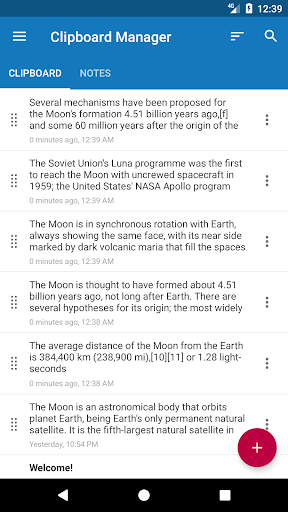
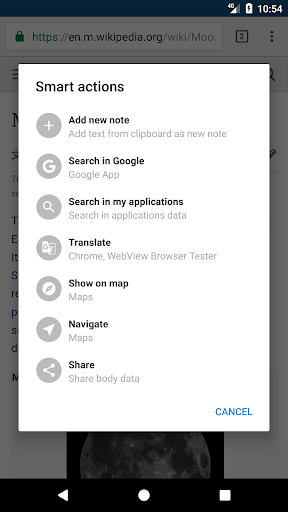
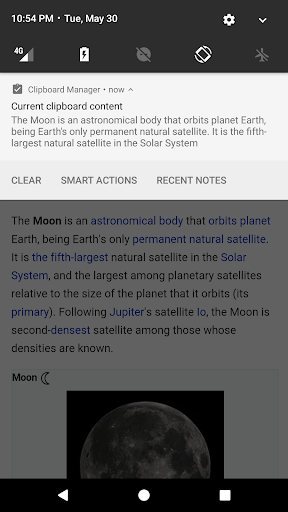
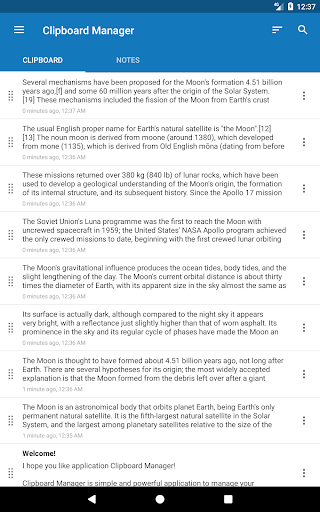
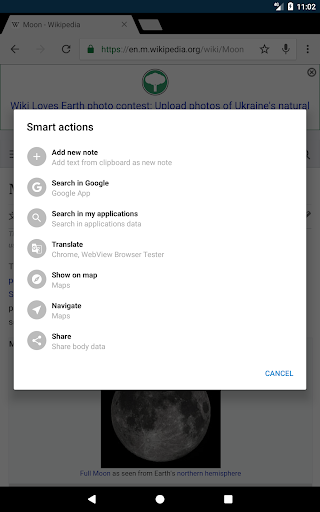
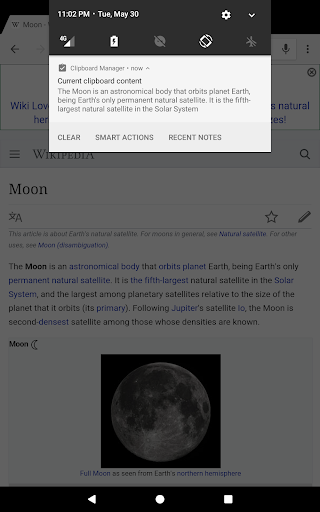
Clipboard Manager keeps a history of text you copy, so you can return to an earlier snippet instead of copying it again. It also works as a notes store: save text, sort it into categories, and find it later with search. It suits people who regularly reuse addresses, links, short replies, or other bits of text and want them close at hand.
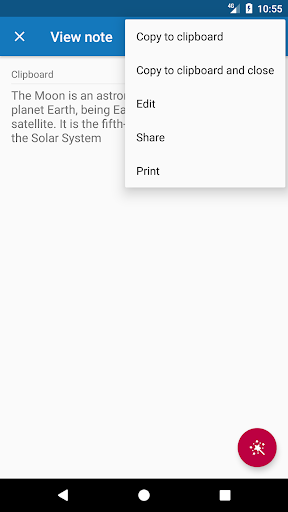
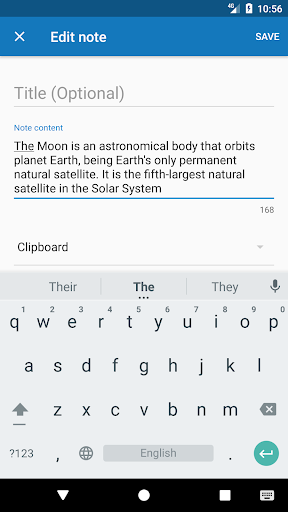
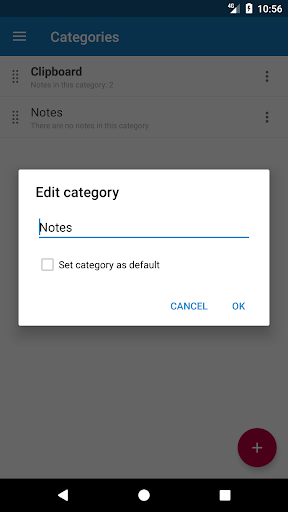
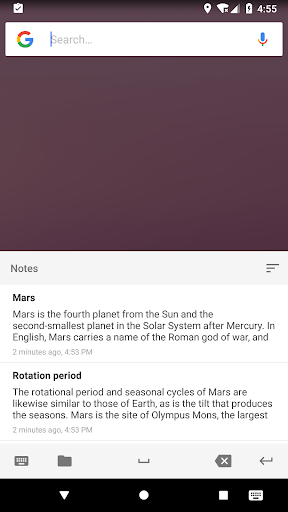
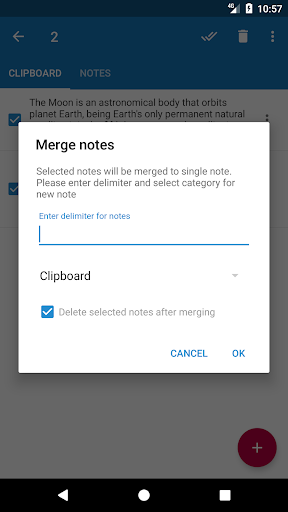
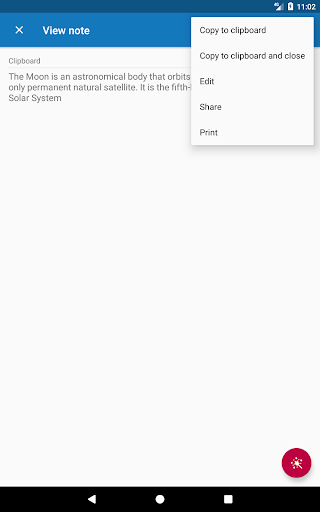
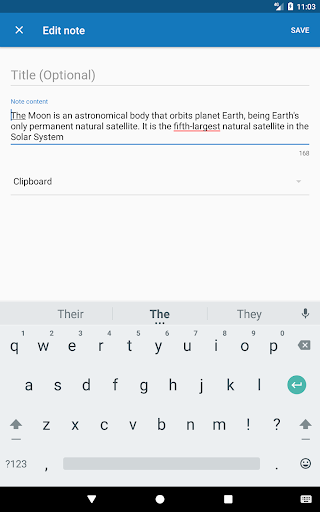
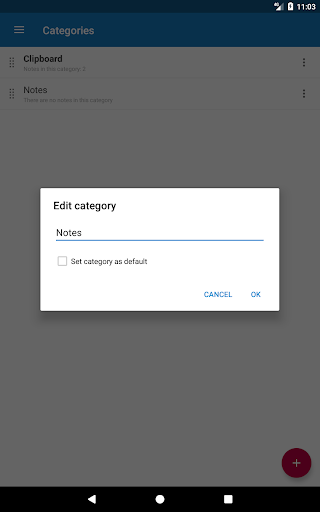
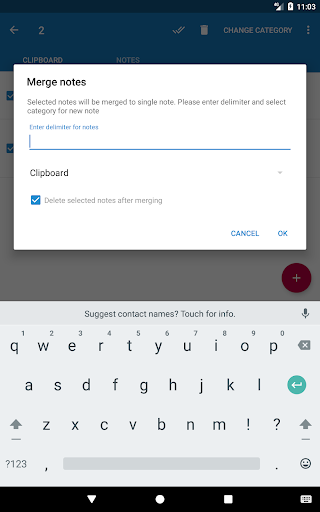
Copied text can be saved to the history automatically. You can also create notes yourself, arrange them in categories, and choose how they are ordered. The app supports sharing one or several notes, merging notes, and accessing recent items quickly. A keyboard option lets you paste saved notes from there, rather than switching back to the app to retrieve them.
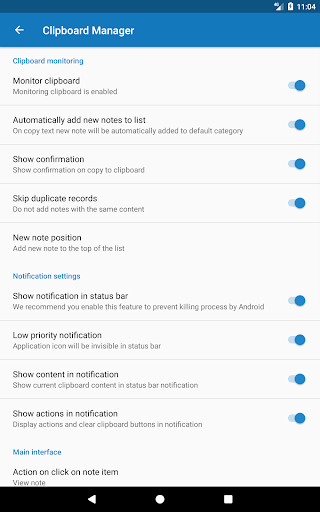
Search helps when the history grows, while automatic cleanup options can clear clipboard contents, the default category, or the trash. Automatic clipboard clearing is off by default. Optional cloud backup is available, and you can also import or export data using a file. These controls make the app useful for keeping a working collection of snippets, though it is worth choosing cleanup and backup settings to suit what you store.
Clipboard Manager is published by devdnua and has more than 1,000,000 installs. Its 3.06 rating across 6,880 ratings suggests that plenty of people have tried it, but feedback is mixed. The appeal is practical rather than broad: it is a dedicated place for copied text and notes, with tools to sort, retrieve, share, and tidy them.